The DDD file is the primary data source for the digital tachograph, yet it remains notoriously difficult to interpret without specialized software. Because the data is stored in a compressed binary format, simply opening it with a text editor will yield unreadable symbols.
In this guide, we provide a forensic-level walkthrough on how to open, decode, and interpret the critical blocks of information hidden within your tachograph records.
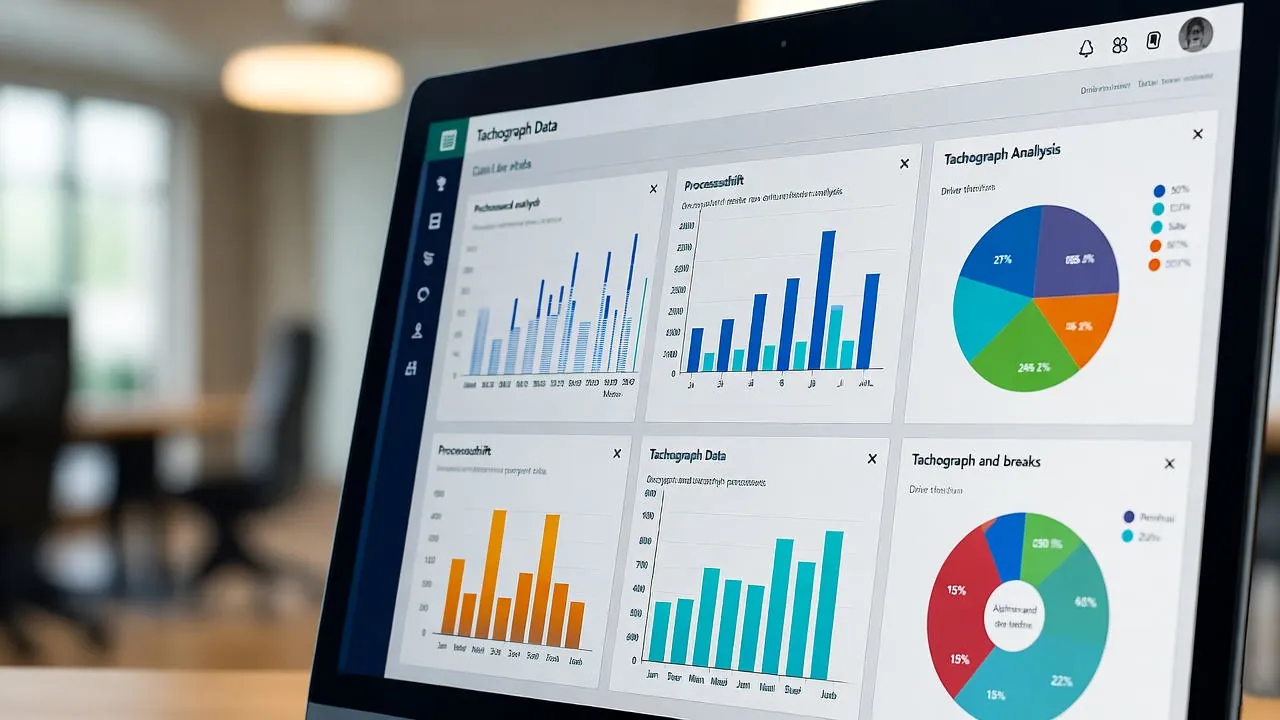
Phase 1: Decoding the Binary Format
Before reading the data, you must understand that .ddd files are encrypted to prevent tampering. They contain raw hexadecimal values that represent specific activity codes.
- The Challenge: Standard office programs (Excel, Word) cannot verify the digital signature embedded in the file.
- The Solution: Use an online parser like TachoTools. Our engine acts as a translator, turning binary strings into human-readable timestamps in UTC time.
Phase 2: Identifying Key Information Blocks
Once decoded, a professional reading of a DDD file follows these six critical steps:
1. Verification of Card & VU Data
Identify the file source. Does it come from a Driver Card (.C1B) or the Vehicle Unit (.V1B)? Verify the cardholder's name and the vehicle's VRN (Registration Number).
2. Analysis of Activity Codes
Distinguish between the four main modes: Driving (Wheel icon), Rest (Bed icon), Availability (Box icon), and Other Work (Hammer icon).
3. Calculating Driving Limits
Cross-reference timestamps to calculate 4.5h driving blocks. Check for daily driving exceedance and weekly limits.
4. Checking Rest Compliance
Audit 9-hour and 11-hour daily rest periods. Ensure the weekly rest cycle hasn't been interrupted illegally.
Phase 3: Interpreting Technical Events
A deeper reading reveals "Events and Faults." This section is where transport inspectors look for evidence of tachograph manipulation. You must check for:
- Power Supply Interruptions: Potential signs of battery disconnection.
- Motion Sensor Faults: Errors in the speed signal transmission.
- Card Conflicts: Periods where a driver was driving without a card inserted.
What makes the file evidence is the signature
A tachograph file matters not because of what it says but because you can show nobody has touched it since it left the unit. That is the entire difference between a document and a piece of evidence, and it comes from the digital signature the device attaches to the download.
Three consequences follow, and they're less obvious than they sound:
- A file opened and re-saved may stop being usable. No bad intent required — the wrong tool is enough.
- A copy of the original remains valid; an export does not. Copying preserves the signature. Converting destroys it.
- The file is the document, not what you see on screen. A viewer interprets; the binary is what proves.
Which gives the golden rule of any archive, simple and inconvenient in equal measure: never touch the original. Copy it, store it, and work on something else.
Two files telling different stories
The driver's and the vehicle's aren't two copies of the same thing. They're two vantage points on the same events, and each holds something the other doesn't.
- The card file follows the person: everything that driver did, in whatever vehicle he was in. It answers "what did this driver do in March?".
- The vehicle unit file follows the truck: everything that moved, with a card or without one. It answers "who was driving when this moved with no card in?".
That second question is why both downloads matter. Driving without a card doesn't appear in the driver's file as an error — it doesn't appear at all. And it's the hardest question in any investigation, because it isn't answered with a document but with a name.
These files are personal data about your drivers
They get filed as if they were technical documentation and they're not quite that. Inside are a named person's hours, their card number and, on second-generation units, positions. That puts them under two requirements pulling in different directions: transport rules say retain them, data protection rules say limit who reaches them.
No contradiction, but a conclusion often ignored: access to a driver's file belongs to whoever needs it for payroll or planning, not to the whole office. And the driver is entitled to know what happens to it — being able to explain that in two sentences is a sign the archive is properly set up.
In short
The file is the document and the signature is what makes it evidence. Don't open it with just anything, don't re-save it and don't convert it — copy, archive, and work on the copy.
What you won't find in there
Worth knowing before spending an afternoon looking. A file records what the equipment observed, which leaves three things permanently outside it:
- Why anything happened. Whether an overrun came from the schedule, a closed road or a slow bay is in no file.
- Who was driving with no card in. The unit records the movement, not the identity.
- What was agreed. Instructions, slots and arrangements live in the paperwork, not the record.
Which is why reading a file well means knowing what to take elsewhere. The record establishes what happened; everything about why belongs to whoever was there.
Naming them so you can find them in a year
It looks like the least important part and it decides whether the archive is any use. Files come off with names that mean nothing at a glance, and a year from now nobody is opening forty downloads to find one Tuesday in March.
One naming rule and one structure are enough, and both are decided once:
- Who (driver or registration), what (card or vehicle) and when (download date). In that order.
- A folder per year, then per month — not a folder per download.
- Originals kept apart from reports. Mixing them is how the originals end up deleted.
What matters isn't which convention you pick, but that it is one convention, used consistently. The mess is never caused by a bad rule — it's caused by three people using three different rules over two years.
Phase 4: Converting Data for Official Use
Analyzing raw data is tedious. For internal audits or labor disputes, it is often necessary to:
By converting to PDF, you get a clean visualization of the velocity graph and activity timelines, which are much easier to present in legal proceedings.
Transform Raw Data into Compliance Reports
Don't risk manual interpretation. TachoTools automatically decodes your files and highlights every potential infringement for you.
Professional Tools