Digital tachograph files contain mission-critical data regarding driver shifts and vehicle logistics. However, because they are encrypted for legal integrity, they cannot be opened with standard software like Excel or Word. If you have a file you cannot read, you need a specialized DDD/TGD parser.
In this guide, we provide the solution to open digital tachograph files safely, allowing you to decompress technical metadata into readable reports.
Why Tachograph Files Won't Open
Format standards like .DDD, .TGD, .V1B, and .C1B are binary-coded. This design is intentional to comply with EU digital signature laws, ensuring that:
Encrypted Data
Protects against unauthorized tampering or driver record modification.
Legal Validity
Ensures the file stands as admissible evidence in labor courts.
Binary Structure
Requires a decoder to translate hex values into timestamps.
Step-by-Step: Opening and Decompressing Files
Many files downloaded from remote systems or download keys arrive as compressed ZIP/GZ containers. Here is how to handle them:
- Upload: Drag your raw file into the TachoTools cloud parser.
- Auto-Decompression: Our system detects if the file is a .ddd or a .tgd and decompresses the internal blocks automatically.
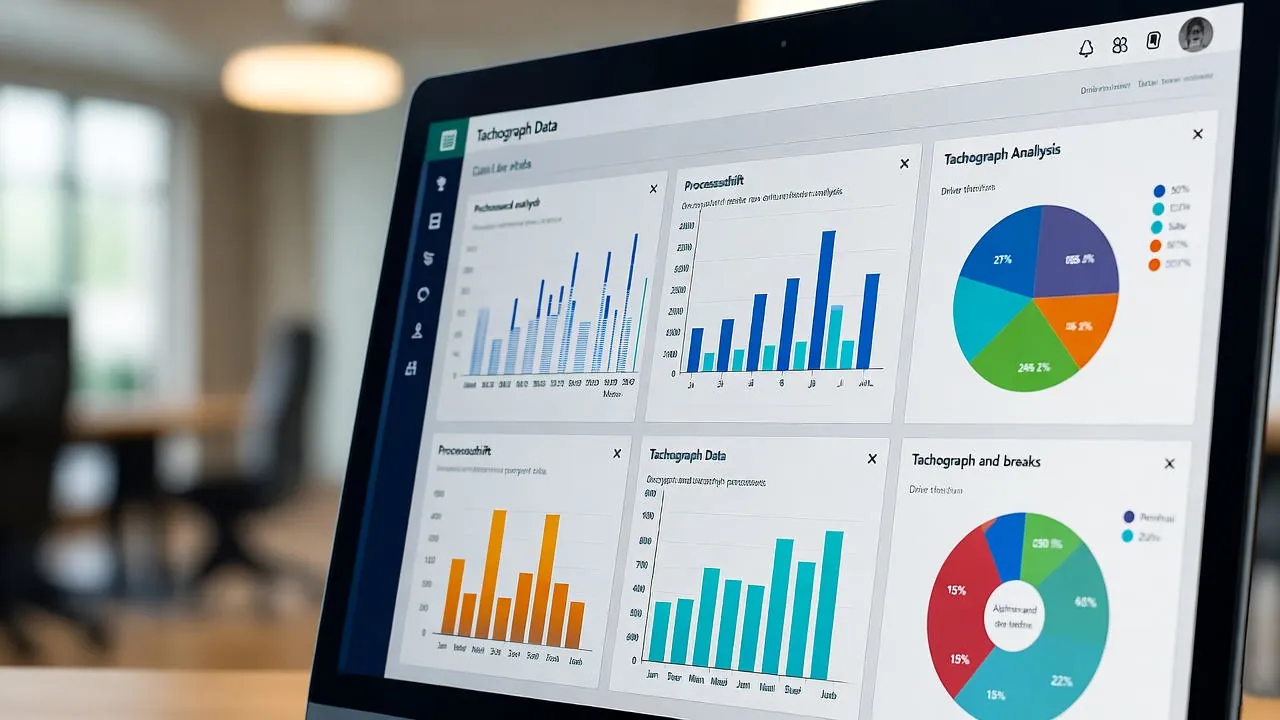
- Visualization: Choose between a Live Dashboard or a static PDF export.
Convert Tachograph Files to PDF
Converting to PDF is the industry standard for sharing records with lawyers, consultants, or transport inspectors. It provides:
- Clear Timelines: A visual breakdown of driving and rest cycles.
- Audit-Ready Reports: Professional tachograph PDF reports that highlight violations.
- Data Sharing: Easily send documentation via email for official inspections.
Scalable Solutions: API and Bulk Management
For transport companies and logistics operators, opening one file at a time is inefficient. TachoTools offers advanced features for professional management:
- Bulk File Uploads: Process hundreds of .DDD files simultaneously.
- API Integration: Connect your own ERP or Fleet Management Software to our decoding engine.
- Historical Archive: Secure storage that meets the mandatory 365-day legal custody requirement.
Explore our flexible plans to find the right fit for your fleet size.
Ready to View Your Data?
Don't let binary files slow down your operation. Open, analyze, and secure your tachograph data in seconds.
Compatible with Smart Tachograph Gen1 & Gen2 formats
Why a text editor shows you nothing
The first thing most people try is opening the file in Notepad, and the result is a screen of symbols. That is not corruption — it is the format working as designed.
Tachograph files are binary, structured to a European specification and encoded in ASN.1. Nothing inside is written as readable text: dates, activity blocks and identifiers are all packed as bytes. A text editor renders those bytes as garbage because it is being asked to read a language it does not speak.
Worse, opening a file in an editor risks saving it back altered, which breaks the digital signature. If the file matters, open it read-only or not at all.
The two files are not interchangeable
- The driver card file holds one person's activity across every vehicle they drove.
- The vehicle unit file holds everything that happened in one vehicle, across every driver who used it.
They overlap but never match, and that is the point: a discrepancy between the two is precisely what an examiner looks for. Analysing one without the other tells you half the story — and it is the half you already knew.
Check the signature before you read anything
Every file carries a digital signature confirming the contents are unaltered. Interrupt a download — ignition off, connector pulled, flat battery — and you get a file that exists, opens and looks entirely normal, but whose signature no longer validates. Nothing warns you at the time.
So verification comes first, before any chart or summary. It takes a second, and it decides whether the rest of the exercise means anything at all.